# OneInfer Aura documentation
> How to set up Aura, the AI chatbot for your website that answers visitors, shows who is on your site and turns their visits into insights.
These docs cover everything in the Aura app at [aura.oneinfer.ai](https://aura.oneinfer.ai), in the order most teams meet it: set up a bot, put it on your site, then work with the people it talks to and read what they do.
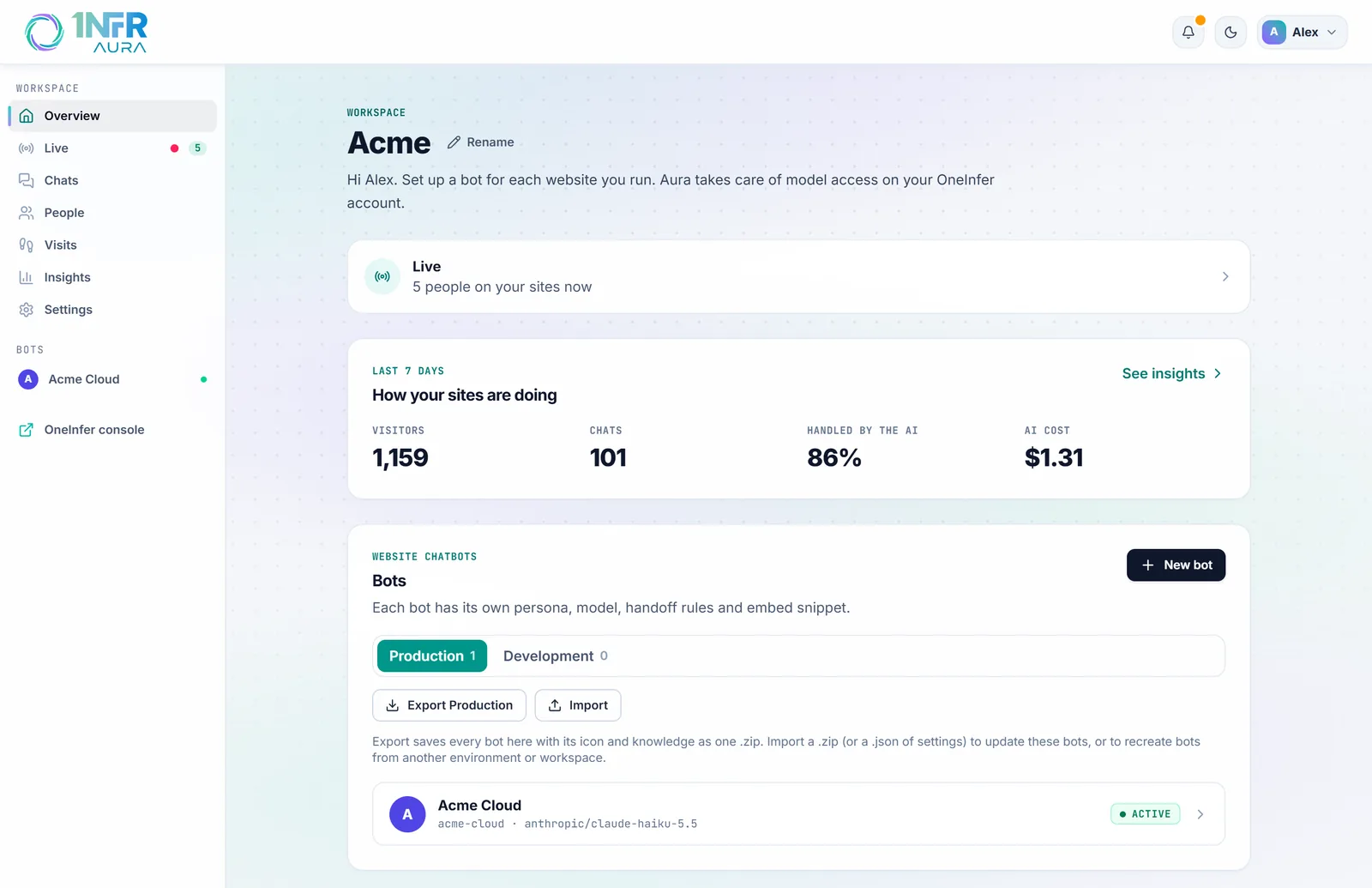
## Start here
## What Aura does
- **Answers from your own content.** The bot reads the pages, files and text you give it and answers visitors in the chat on your site, in their language if you want. When it doesn't know, it says so and offers a person. See [Answers and the model](https://aura.oneinfer.ai/docs/bots/answers) and [Knowledge](https://aura.oneinfer.ai/docs/bots/knowledge).
- **Shows who is on your site.** [Live](https://aura.oneinfer.ai/docs/live) lists everyone on your sites right now: the page they're on, where they came from, their device and their chat. You can message any of them.
- **Brings your team in.** Visitors ask for a person, wait too long or hit a question the bot can't answer, and your team hears about it in Aura, Slack, Microsoft Teams or by email. A teammate joins the same chat. See [Handoff and opening hours](https://aura.oneinfer.ai/docs/bots/handoff).
- **Keeps track of what the team owes.** A chat that reaches the team becomes a light [ticket](https://aura.oneinfer.ai/docs/tickets) with a status, an assignee, a priority and tags. [Webhooks](https://aura.oneinfer.ai/docs/integrations) send it on to your help desk.
- **Measures what visitors do.** Clicks, scrolling, rage and dead clicks, page speed, errors and goals, on every page, with [heatmaps drawn on your own pages](https://aura.oneinfer.ai/docs/insights/pages-and-heatmaps) and each visitor's [journey](https://aura.oneinfer.ai/docs/visits).
## How the docs are organised
| Section | What's in it |
|---|---|
| [Get started](https://aura.oneinfer.ai/docs/getting-started) | Signing in, the first bot, installing it, and how the parts fit together |
| [Your bot](https://aura.oneinfer.ai/docs/bots/answers) | Every step of the bot editor: answers, knowledge, handoff, the chat on your site, voice and alerts |
| [Working with visitors](https://aura.oneinfer.ai/docs/live) | Live, Chats, tickets, People, Visits and notifications |
| [Insights](https://aura.oneinfer.ai/docs/insights) | The figures, page reports, heatmaps and goals |
| [Team and settings](https://aura.oneinfer.ai/docs/team-and-roles) | Roles, integrations, settings, environments, pricing and privacy |
> [!TIP]
> Press / on any page to search the docs.